
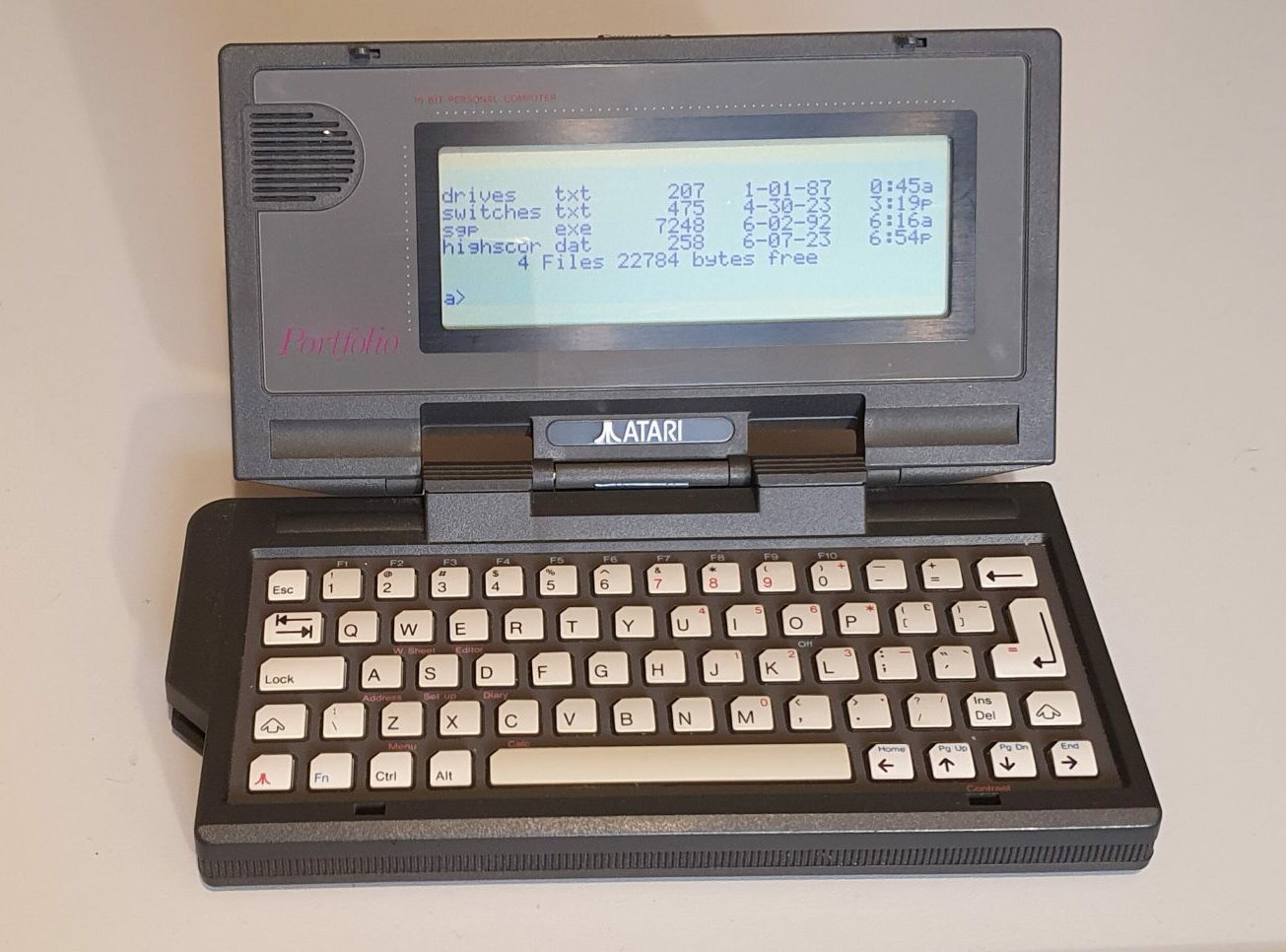
Atari Portfolio
The Atari Portfolio was an early DOS palmtop, often labelled the first palmtop. It wasn’t actually made by Atari but was a licensed version of the DIP Pocket PC made by DIP Research Ltd. based in the UK.
As many people will point out, it featured in the Terminator 2 film. The young John Connor used one to ‘hack’ an ATM. Ahh, Hollywood’s portrayal of computing – you’ve got to laugh at it .
Hardware
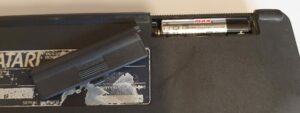
Like so many machines of the time, the Portfolio was powered by AA batteries. Oddly, three of them in this case. Usually, similar devices came with a backup battery – often a CR2032 or similar. In the case of the Portfolio, a super-capacitor was employed to keep the memory alive while you changed the main AAs.
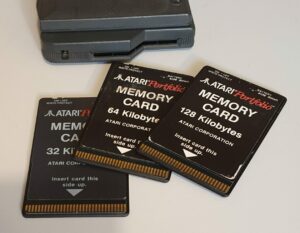
Flash memory had only been commercialised in the mid 1980s, so as was often the case at the time, main storage was a RAM disk. To expand on this, the Portfolio used credit-card sized ‘Bee cards’ (by Hudson Soft) which contained battery-backed RAM.
Apparently Bee cards were also used in some synthesizers by Korg and on MSX computers. They were also used in EEPROM form as telephone cards. Even though the use of Bee cards was not specific to the Portfolio, the different forms are not compatible with each other.
I have three RAM cards – 32K, 64K and 128K.
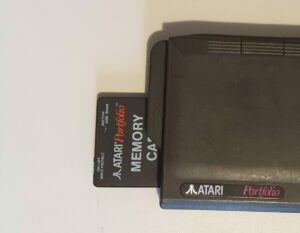
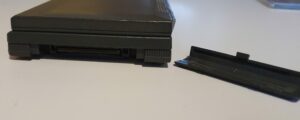
The card slot takes up most of the left hand side along with the power jack (4.5V, centre positive). The right contains an expansion bus. This is an important feature because these two ports and the power jack are the only connections the Portfolio has – no serial port!
To connect to the outside world, the recommended option is to plug in a parallel port expansion. A serial port interface also exists, but the onboard server software uses the parallel port.
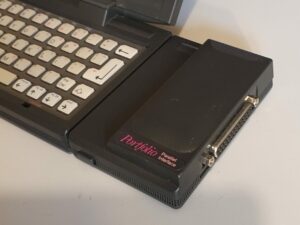
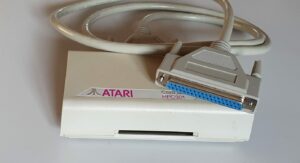
Another way to get software and data on and off the Portfolio is by connecting a Bee card to a PC via a Card Drive.
The drive unit itself contains almost no electronics but it’s all handled by a PC ISA card. The card is a fairly large 8-bit one but it’s not full length by any means.
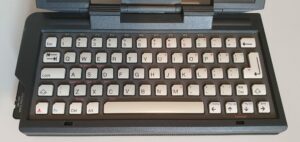
The keyboard on the Portfolio is another example of a calculator-style one. Each key is tilted slightly and hinges at it’s lowest point which is at the bottom. It’s got a reasonable feel, though, and you can type at a reasonable speed with some practice.
Summary
- CPU: 80C88 running at 4.9MHz.
- RAM: 128KB.
- ROM: 256KB.
- Dual tone speaker.
- Display: 240×64 pixel monochrome LCD, no backlight.
- Power: 3xAA batteries, or 6V AC barrel jack.
- Expansion slot.
- Memory card slot (for battery-backed ‘bee’ cards).
- Calculator-style Qwerty keyboard.
- RS-232 port (on expansion card).
- Centronics printer port (on expansion card).
Software
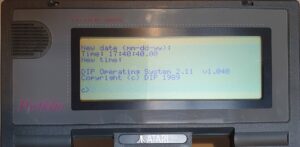
The Operating System on the Portfolio is a version of DOS 2.11 by DIP (who actually designed the computer).
DOS is contained on the built-in ROM along with a number of programs which can be accessed by key shortcuts.
Pressing Atari-Z takes you to the main menu. Everything on this screen also has its own hotkey. They’re all available through holding the Atari key and pressing any of the keys with red legend beneath them.
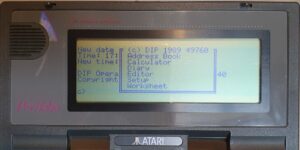
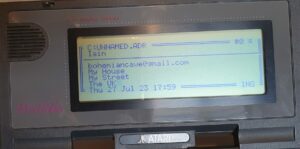
The Address Book application has a title field (the persons name and phone number) and another field into which you can insert their address or anything else you like. You can search for any record, move between them using Pg Up and Pg Dn, and even get the Portfolio to tone-dial the digits.
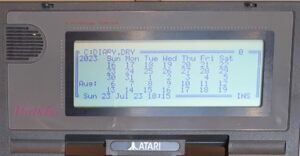
Diary on the Portfolio isn’t a bad program for the time. You are first presented with a month’s calendar. You can enter entries against times on a particular day, repeat entries and alarm them.
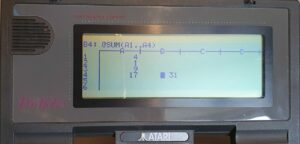
The Worksheet application is a spreadsheet. It works well enough. I does the usual spreadsheety things.
The other built-ins include a calculator and a text editor and, of course, a setup menu. From here you can also run the built-in file transfer program. As mentioned before, this uses the parallel port expansion module, not the RS-232 serial port one.
Summary
- OS: DIP O.S. 2.11 (aka DIP DOS).
- Diary/Calendar.
- Address book.
- Text editor.
- Wordsheet (spreadsheet).
- Calculator.
- File transfer program.
Repairs etc.
This machine I’d bought off eBay in June 2023 – about a year ago as I write this. It was missing the batter cover (I got one off eBay a short while later) and the cover for the expansion slot had a damaged clip. It also came with a memory card. Cosmetically, the case wasn’t in the best condition, but it’s that kind of surface that is easily marked, so it wasn’t unexpected. The plastics and hinges were good though.
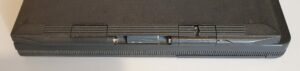
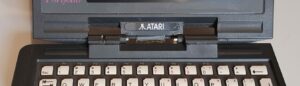
The following January, another one came up for sale. Now this one was in similar cosmetic condition, except that the hinge plastics were damaged. The expansion and battery covers were intact though.
This one came with two memory cards. One with a missing write protect switch and both in need of some double-sided tape to keep them together.
It also came with a parallel port adaptor. This I’d been keeping my eye out for at a reasonable price but was having little luck. For the price I’ve been seeing the adaptor go for I got the Portfolio, 2 Bee cards and the parallel port adaptor.
Even that would have been a good deal, but the thing that really drew me to this auction was the fact that it came with a Card Drive and an unknown ISA card.
My research had told me that these things are very rare, especially the ISA cards. It is common for the ISA card to get left behind in a PC when the two part company.
So, I bought it.
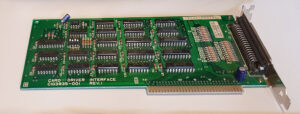
Until it arrived, I had no idea if the Card Drive worked, or if the ISA card worked, and no idea about what cable I might need. I didn’t even have a computer that could take an ISA card.
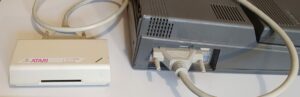
So I researched computers with ISA ports. Not wanting a boring beige box, I bought (from eBay again) a Toshiba T3200. I eventually made that work (with a little effort but much faffing about).
I also discovered the the cable I needed wasn’t all that difficult to come by, and bought one off Amazon! I found the software online (from archive.org I think) and it worked straight off, with no fixing required!
Oh, and now I have two working Atari Portfolio’s too.
Summary
The Portfolio is supposedly the first palmtop computer. Even so, it contains some reasonable software and can even run some DOS 2 programs. I say some, because it’s not completely MS-DOS 2 compatible but there was a thriving Portfolio developer community (and probably still is) .
If what you want it to perform the usual PDA functions, you have a pretty decent diary and address book on ROM. The text editor is much, much better that edlin (which MS-DOS 2 came with). You even get a perfectly serviceable spreadsheet.
One thing missing, though, is a means of getting additional software onto the Portfolio without additional purchases. The expansion modules aren’t small either.
To-Do
- Experiment with more software.