
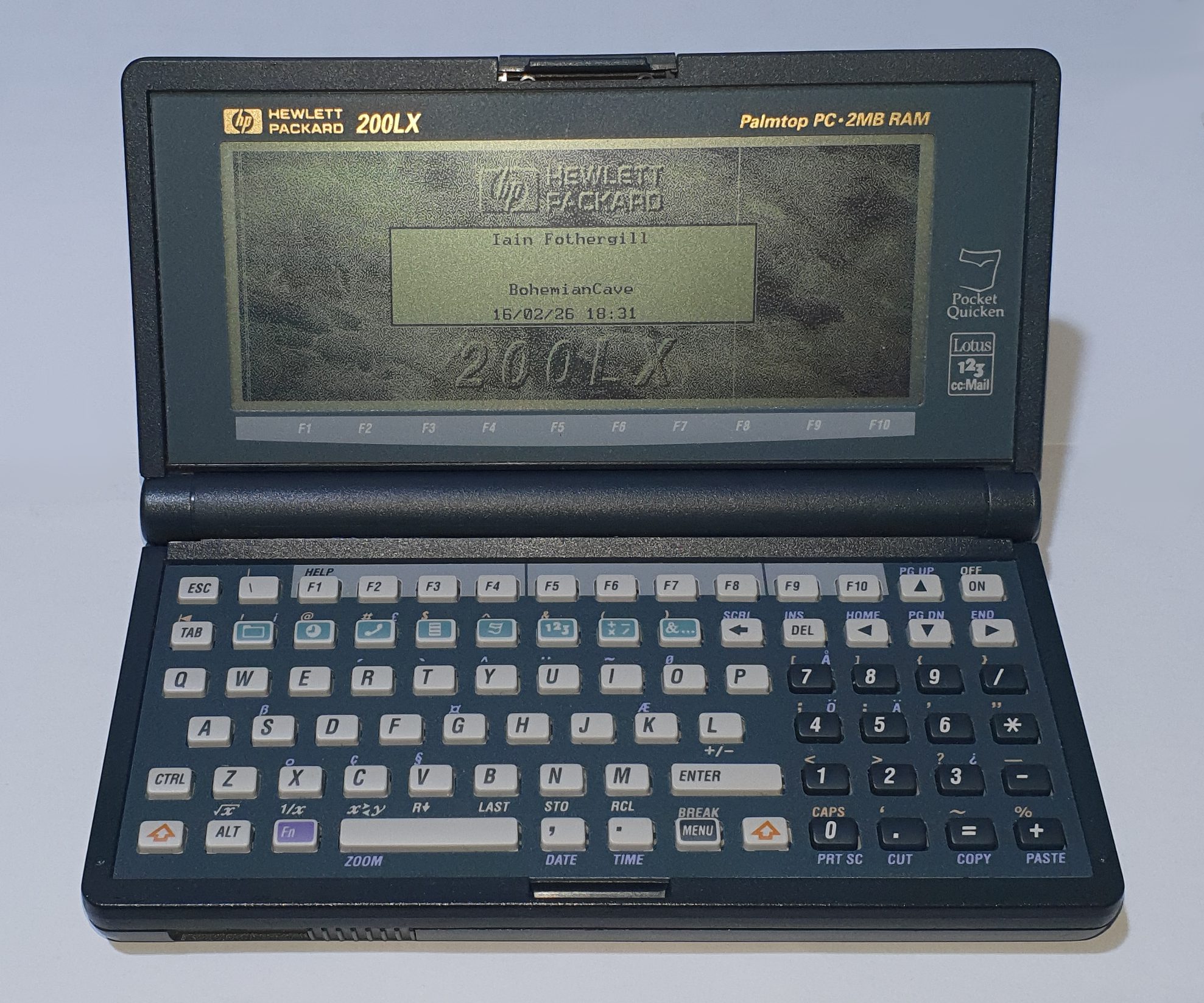
Hewlett Packard 200LX
Hewlett Packard developed three handheld DOS machines, the 95LX, 100LX and 200LX. The first, the 95LX was introduced in 1991 a couple years before the 100LX and the 200LX was released in 1994. These are the only DOS machines in the series, future models being Windows CE devices. The cases on the DOS machines are very similar but the CE machines have a different aesthetic.
Hardware
The 200LX features a 7.91 MHz 80186 compatible “Hornet” processor which is the same as the 100LX and noticeably faster than the 95LX which runs a NEC V20 at 5.37 MHz. The Hornet is a SoC (System on Chip) that combines the CPU and much of the PC hardware (there’s info available on hermocom.com). It’s compatible with the 8086, 8088, 80186 and, to an extent, the 80286 and contains most of what’s needed to build a PC.
There is 2 MB of RAM in my machine, but I believe it came in 1, 2 and 4 MB variants. There are add-ons to increase it to 16 or 32 MB. 640 MB is used as system memory and the rest is generally used as a RAM disk, although I’m led to believe it can be used an EMS or XMS. The machine also contains a 3 MB ROM with DOS 5.0 and a whole bunch of software (see below).
The screen on the 200LX is 640×240 pixels, much higher resolution than on the 95LX (240×128 pixels).
You can also run it in 4 shades of grey at a cost of half the horizontal resolution.
The keyboards are very similar. They are both clicky calculator-style hard plastic keys, good for thumb typing and OK for touch typing, just not great for that. Apart from the obvious colour difference, a few keys have been switched around.
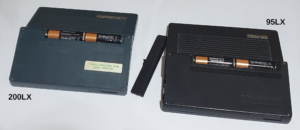
The batteries on the 200LX are the same as on the 95LX, 2xAA with a CR2032 to keep the memory alive when they die or need changing. The machines can also be powered off an external 12V adapter.
Both devices have a PCMCIA port. This will take SRAM or flash memory. I have a tried an 8M compact flash card in an adapter and a 32M smart media in a suitable reader. I’ve read that cards up to 2G can be used with a suitable driver. The 95LX will not take flash and I don’t have any RAM cards to try (they’re expensive if you can find them).
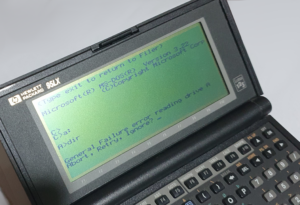
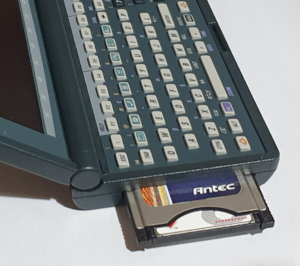
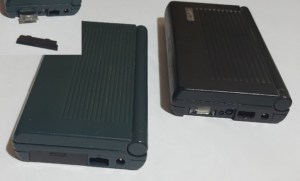
The PCMCIA slot takes the entire left side and the other ports are all on the right. These are the same between the 95LX and the 200LX. They are: the backup battery slot, infra red port, serial port and power jack. The serial ports are different between the 95LX and the 200LX – the former has just 4 pins (no handshaking) but the latter has many more pins to accommodate all the signals that are on a 9-pin RS232 connector.
Summary
- CPU: 80186 compatible @ 7.91 MHz
- RAM: 2 MB (1 and 4 MB also available)
- ROM: 3 MB
- Screen: CGA 640×200 pixels, 2 greys or 320×200 pixels, 4 greys
- QWERTY keyboard with number keypad and eight application shortcut keys – hard calculator keys
- Serial port: RS232 compatible, up to 112.5 Kb/s, through a custom cable
- Infrared: up to 115.2 Kb/s over a proprietary HP protocol
- PCMCIA: can use SRAM or flash cards up to 2 GB; MODEMS etc. (with driver)
- Power: 2xAA batteries, CR2032 memory backup, external 12V jack
Software
The 200LX has substantially more software built in, as well as a newer version of DOS, 5.00 this time rather that the 3.22 of the 95LX. The menus take advantage of the higher screen resolution and look more graphically pleasing, and the descriptions of the F-keys on the bottom are nicer too. Of course, the applications themselves are improved by the higher resolution, too.
App Manager
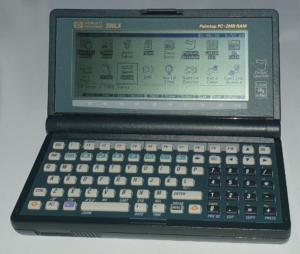
On the 95LX, the only way to select an application was by pressing one of the blue application keys. New on the 200LX is an App Manager (which has a teal application key).
The program name shown on screen is More Applications, but it actually shows all of them. By default it shows icons, reminiscent of Program Manager in Windows 3, but also has a list view.
Filer
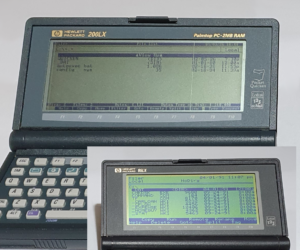
The filing system on the 200LX can be viewed through Lotus Filer, a program much like Norton Commander. It can show one or two panels to allow the simple copying of files between one and the other.
You can copy, move or delete files, create directories, format disks or run programs from here. You can also obtain a view of files and directories on a desktop computer connected over the serial port. The protocol, I believe, is proprietary though.
Appointment Book
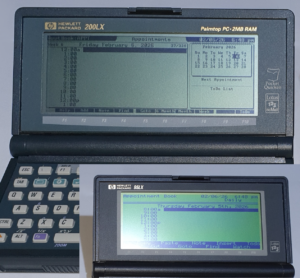
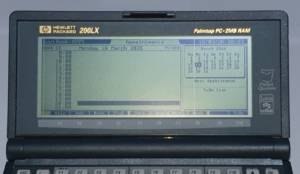
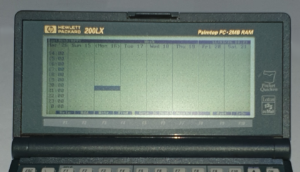
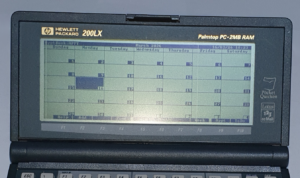
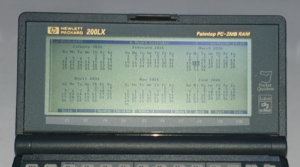
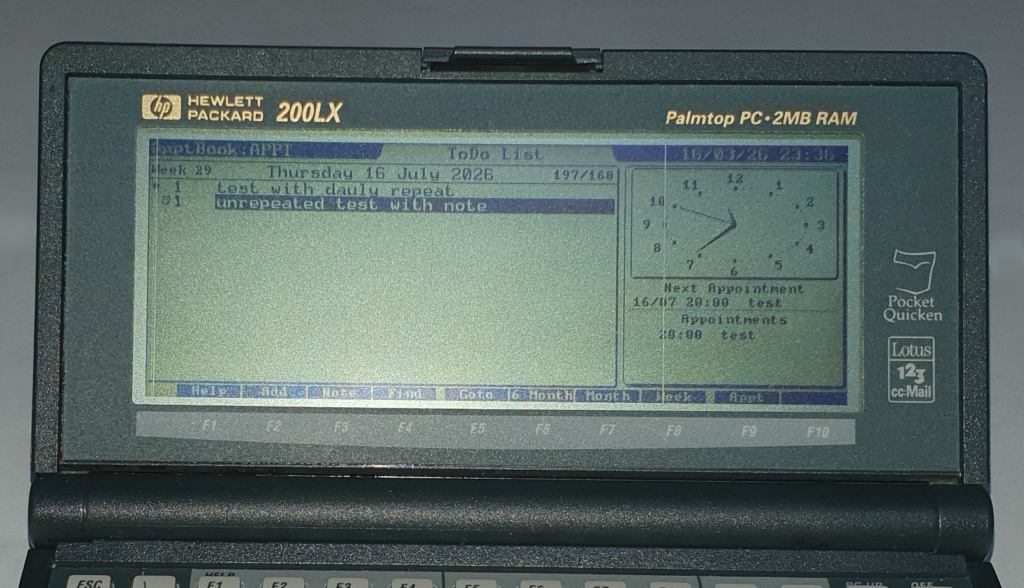
The Appointment Book on the 200LX is much better arranged than that on the 95LX, especially the view mode and the repeats. You can view by Appointment (a daily view), Week, Month or 6-Months.
Appointment repeats on the 95LX required entering weekly-, monthly- or yearly-repeats as special kinds of appointments. On the 200LX this is much improved, in that you can now just press F8 during entering an appointment and choose any simple repeat (daily, weekly etc.) or something much more complicated.
The app also contains a to-do list manager, with the ability to assign start dates, due dates, priorities and notes. You can apply repeats to to-do entries, but I’m not sure what use that is.
Phone Book
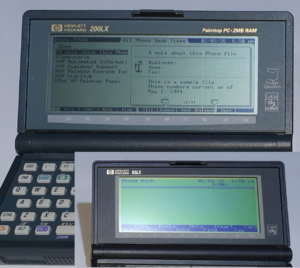
The Phone Book app, contains the usual records of names, phone numbers and addresses. There are four phone numbers (named Business, Home, Alternative and Fax), only one address (subdivided with Title, Company, Address1 and 2, City, State and Zip) and a Notes field. An entry can also be assigned a Category, which you can use for filtering the entries displayed, or searching. You can also filter by any field(s) or perform a text search through all fields.
Items are normally shown in a list, and a summary card of the currently selected entry can be shown.
Memo Editor
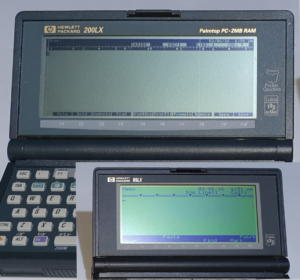
The Memo app is basically a simple word processor designed for taking notes. You can assign bold or italics to text, set tab stops and margins, headers and footers. There is a simple numbered list option too.
This application is useful for editing the DOS AUTOEXEC.BAT and CONFIG.SYS files, and other command script or configuration files.
Pocket Quicken
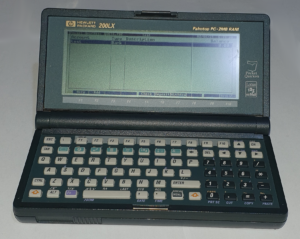
Quicken was, at the time, one of the most popular financial/money management tools. The HP200LX has a version known as Pocket Quicken, having never seen the full Quicken I can’t say for certain it’s a cut-down version, but Gemini claims it is. The app was never available on the 95LX.
Quicken allows the entering of expenses and payments under any number of categories and provides reports and balance information. It seems quite sophisticated.
Lotus 1 2 3
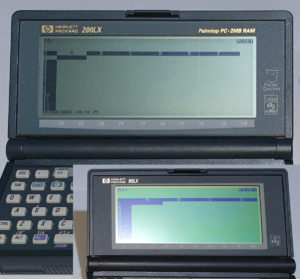
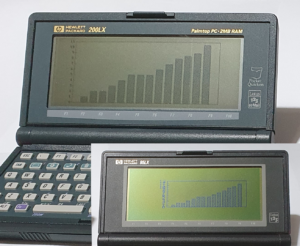
Lotus 1 2 3 was possibly the most popular spreadsheet of the DOS days.
The version on the 200LX, rather than that on the 95LX, shows more cells on screen. The higher screen resolution also improves the menus with a one line description and allows more graphing options (including 3d).
Google tells me they upgraded from version 2.2 on the 95LX to 2.4 on the 200LX, although I can’t see any other differences (without an extensive search).
Calculator
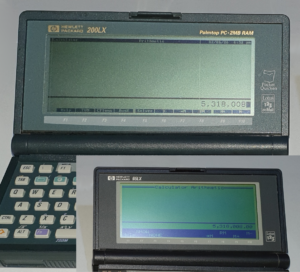
The calculator on the 95LX and the 200LX are both extremely sophisticated. They both play on Hewlett Packard’s vast experience with making dedicated calculators. Each version has a different menu structure making it difficult to compare the two. Asking Google, the 200LX version is faster, better at plotting, and has a better graphical appearance.
Both have “Applications” for TVM (Time Value of Money), Cash Flows, Business Percentages, Solver, List Stat, Conversions, Math, Date Calcs and Arithmetic. You can also use Reverse Polish Notation.
All the other applications present on the 200LX are not present on the 95LX. They also don’t have dedicated application buttons either – you must access them through More Applications (the App Manager).
Note Taker
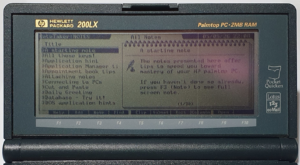
This is different from the Memo Editor, which is a text editor. The Note Taker is more of an analogue to a note pad. There can be multiple notes, each with their own title and text – just plain text.
Database
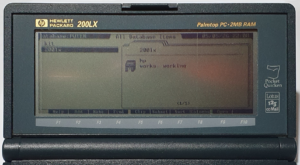
The Database is a card file application. You define the layout of the card, fields etc. then fill in multiple cards using that template.
cc:Mail
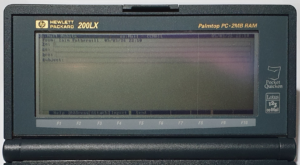
cc:Mail is a Lotus business product which connects to a commercial mail server (known as a Post Office) by modem.
The help text for this app on the 200LX says “cc:Mail is an electronic mail product that sends mail between the 100LX and a cc:Mail Post Office.” (Yes, that really says 100LX).
With it you can do all the usual email things: view local or remote email, put email into folders, maintain an address book, etc.
Setup
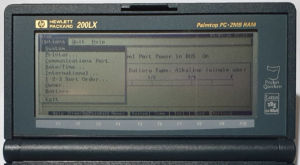
The setup program lets you set system wide, err, settings. It allows you to set system volume; screen contrast; how much ram is used for file store, clipboard and DOS; the serial port settings for the printer and which type to use; the serial port settings; time and date; internationalisation; owner information .It also shows the level of the main and backup batteries.
DOS
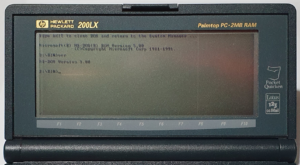
This starts an MS-DOS 5.0 prompt. When you type EXIT, it returns to the System Manager where you left it.
There is plenty software for the 200LX. The 95LX also has access to DOS, but version 3.22 on that.
World Time
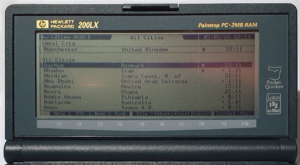
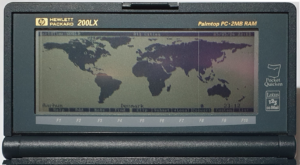
This application shows a long list of cities and the time in that city, or a world map you can move around. You can add custom cities and set the current one.
You can even set a “conversion time” for any city, which allows you to see what time it would be at other places around the world.
System Macros
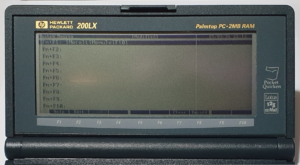
You can set Fn-F1 to Fn-F10 to be custom macros. These are just a sequence of key presses which can be recorded live, or edited.
Datacomm
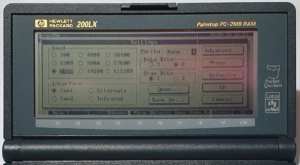
Datacomm is a full VT100 or ANSI terminal emulator with X-modem, Y-modem, Z-modem and Kermit file transfer ability. It also has a built-in scripting language.
There is a more limited version available on the 95LX with it’s own dedicated application button.
Laplink Remote Access
This program is used over an infrared or serial link to another PC. It runs in server mode, in which it creates a link from the 200LX to a PC such that that you can redirect drives (like E:) on your 200LX to drives (like C:) on your PC. Actions would be operated from the other PC.
Stop Watch
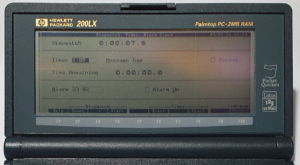
This features a stopwatch, a countdown timer and an alarm. It’s similar to Watch in the Appointment Book application on the 95LX. That app has some more functionality that the 200LX has is the World Time program. It’s also a bit more graphically pleasing.
cc:mADE
This means cc:Mail Automatic Directory Exchange. It allows you to update the cc:Mail local address book from update files sent from your Post Office. Unless you use cc:Mail, which is unlikely, you won’t find this useful.
Hearts+Bones
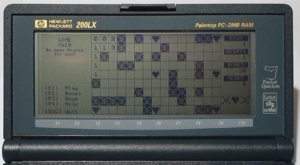
This is a game based loosely on minesweeper, but instead of choosing squares anywhere on the grid, you move around the grid one square at a time. The goal is to get all the hearts (which you can see) and avoid the bones (which you can’t, except you get clues like you do for bombs in minesweeper).
Lair of Squid
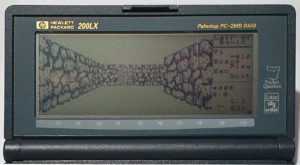
This is another game. In it you move around a 3d maze, finding letters for the password to get out, and then finding the exit. You also must avoid being killed by any of the squid roaming around the maze.
Demo
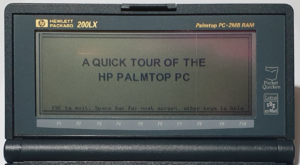
This is a slideshow of screens. The screens are just text advertising that you might run to attempt to sell the 200LX in a shop. It’s really boring.
Hex Calc
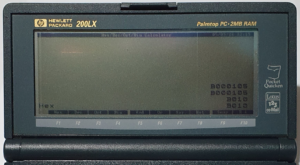
This is a program I found out about on the Wikipedia page. It calls it an Easter Egg, but it’s just a case of adding the program to the applications list. It’s at D:\BIN\HEXCALC.EXM.
It’s a much simpler calculator than the standard calculator, it just has the arithmetic operators plus, minus, multiply and divide and the logical operators and, or, nor and xor. It can do these in binary, decimal, hexadecimal and octal.
Summary
- DOS 5.0
- Filer
- Appointment Book
- Phone Book
- Memo (word processor/text editor)
- Pocket Quicken (finance manager)
- Lotus 1 2 3 (spreadsheet)
- Note Taker
- Database (card file)
- Calculator
- cc: Mail (email by modem to a “Post Office”)
- Setup
- World Times
- System Macros
- Data Comm (terminal emulator)
- LapLink Remote (map drives over the serial port)
- Stop Watch (and timer and alarm)
- cc: mADE (update cc:Mail address book from a Post Office)
- Hearts + Bones (game)
- Lair of Squid (game)
- Demo (simple slide show)
- Hex Calc (must be added to the App Manager)
- App Manager (a.k.a. More Applications)
Summary
Having used the 95LX and been reasonably impressed with it, I expected the 200LX to be a step up, but not quite the step up it is.
As expected, the amount of memory is doubled, allowing for more programs to run simultaneously, including background DOS.
The screen resolution is quite an improvement, something akin to the screen upgrade between Psion’s Series 3 and 3a. That extra resolution allows for a much better visual experience.
The main PDA parts of the software have noticeable updates but more than half is new functionality.
Apart from not having a touch screen, the 200LX feels better than Windows CE (at least the CE that the next LX model came with).
It’s a very nice set of software and the selection of DOS software for it is quite impressive.
Repairs etc.
I did no repairs to the 200LX, but there are a few vertical lines faulty on the screen. My research suggests a hot air rework gun or a narrow-tipped soldering iron should fix that. Removing the screen bezel to get at the circuitry behind it might be quite tricky and the broken lines aren’t annoying enough to me to risk it.
To Do
- Try some DOS software.
Test comment
Test reply