
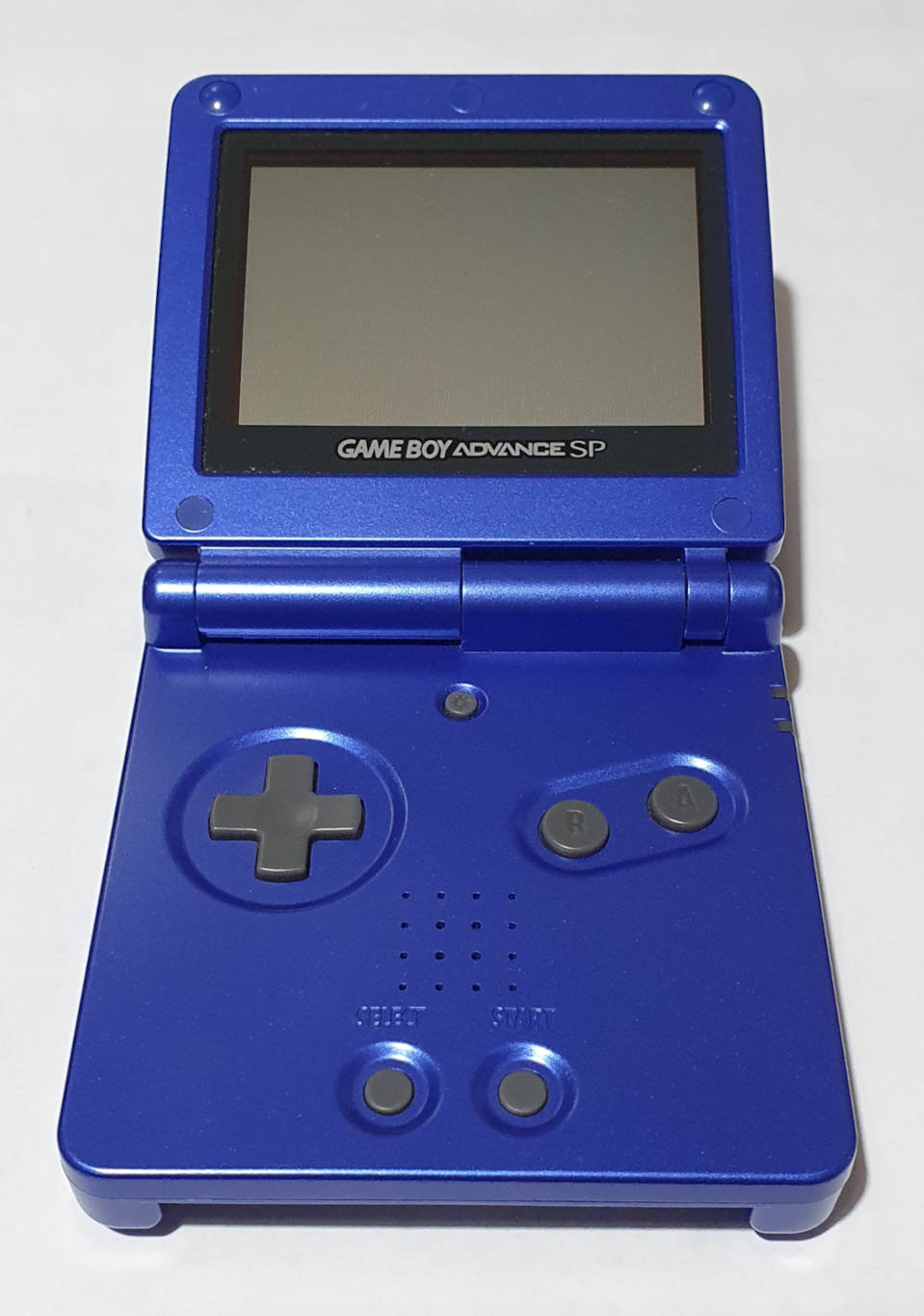
Nintendo Game Boy Advance SP
Nintendo enjoyed such enormous success with their first Game Boy that they eventually decided to release a sequel. This was not that, that was the Game Boy Pocket. Then they had such success with the Pocket that they released a sequel to it. This was also not that. That was the Game Boy Color (yes that’s how it’s spelt even here in the UK). Then they did it again with the Advance (again not this) and then after that, the Advance SP – yes, this model.
The Game Boy Advance SP, and all other Game Boy models (except the Micro), can play all the games of all the Game Boy models that went before… only with a better screen each time. That’s still not as good as a modern screen, of course.
Hardware
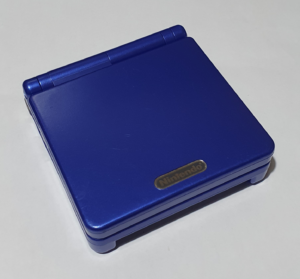
The Game Boy Advance SP is the first and only in the Game Boy line with a clamshell form factor providing protection of the screen and keyboard from keys in a pocket. It’s pretty much the first of the Game Boy lineup that can actually fit comfortably in a pocket.
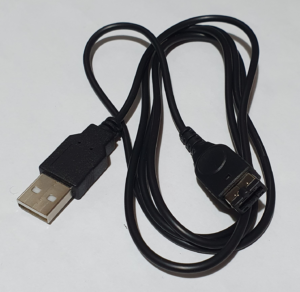
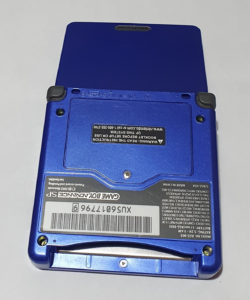
The battery is now a rechargeable Li-Ion cell, but the charge connector is proprietary. Since it takes 5V it’s an easy job to wire it to USB and you can buy can buy such cables online from the likes of Amazon and eBay – which is good since consoles tend to often sell on eBay without a charger.
The Game Boy Advance introduced an ARM processor (in addition to its Sharp SM83) and more memory. It also improved audio quality with stereo DACs which can be fed from samples or CPU-generated data. It retains compatibility with the old sound system, too. The main noticeable missing feature, though, is the headphone jack. In order to get stereo, even, you have to use an adapter. This connects to the same socket that is used for charging the battery, meaning you can’t use both at the same time. The adapter is readily available online, though, at such places as Amazon or eBay.
The screen on the Advance SP is the best of any of the Game Boy range. Apart from the Japan-only Light, it’s the only on with an illuminated screen built-in.
On mine, there is a button to disable it, as model I have is the earlier AGS-001 which has a front-lit reflective screen. It works without it in good light, saving some battery. A later version of the SP (the AGS-101) came with a back light. This is an big improvement in quality.
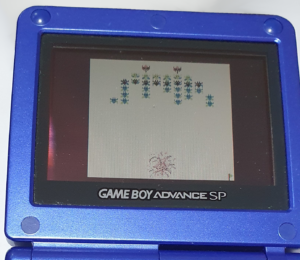
The graphics processing is a big leap forward too. More colours can appear at the same time and 3D animation is possible (although it is much better at 2D).
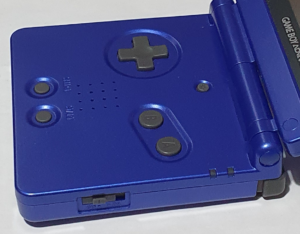
The buttons on the Game Boy Advance are essentially the same as all previous models, with the exception of the two new shoulder triggers. In older games these only serve to change the aspect ratio of the game.
There is, also, a button at the top to turn on and off the screen light.
Summary
- flip-up clamshell design
- rechargeable Li-Ion battery with 10 hours usage
- illuminated colour screen, now 2.9inch, 240×160 pixels at 32K colours
- additional shoulder buttons
- 32-bit ARM processor @ 16MHz and Sharp SM83 @ 4/8MHz (same as original Game Boy)
- 96K video RAM
- 32K RAM in CPU and 256K workspace RAM
- no headphone jack – need an adapter, built in mono speaker
- enhanced sound: stereo 8-bit DACs + original Game Boy sound
Cartridges
Nintendo Game Boy variants are all (for the most part, looking at you Micro) backward compatible with games for older models. The cartridge slots are all the same, but the cartridges themselves tend to differ slightly.
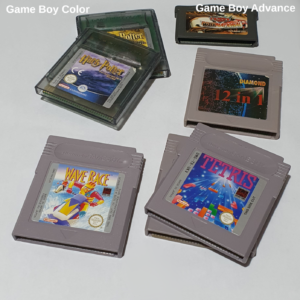
The original Game Boy cartridges had a notch cut out on the top which a shutter slid into when the power switch was turned on. This slot was missing on the Game Boy Color cartridges preventing then from physically working in an original console. Even if it could, the software would just tell you it won’t work (unless it was capable of running on both – they tend to be black).
The Game Boy Advance cartridge is about half the length of the original and Color, so it won’t fit in those consoles. Since the slot is the same, however, the original / Color cartridges will fit in the Advance and Advance SP, sticking out somewhat. The Game Boy Advance cartridge also has cutouts on the bottom edge sides of the connector to let the console detect the newer cartridges. It then plays those older games in compatibility mode natively – the consoles have the hardware for that.

Backward compatibility
The new Game Boy Advance games are written to run on ARM (isn’t everything either ARM or x64 these days). In order to retain backward compatibility, the Sharp SM83 processor is also included. The screen is, however, also a higher resolution. Pressing the triggers switches aspect ratio between wide and compatible.
When Nintendo introduced the Game Boy Color, in order to add colour to original mono games, they switched the 4 shades of grey for 4 colours in a palette using a lookup of which game you were playing.
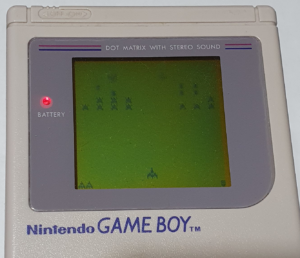
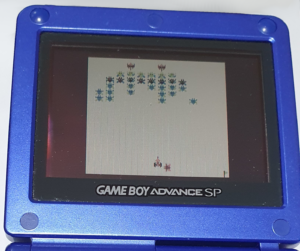
You can specify a different palette to use by holding different combinations of buttons when you switch on your Game Boy.
This still applies to the Advance SP.
You can also get Game Boy Advance style multi-game cartridges. These are not Nintendo Sanctioned! They play original Game Boy and Game Boy Color games through emulation since they tend to have the cut-outs and so the console cannot detect them as older cartridges.
Linking Game Boys together
Just as it was possible with the original Game Boy, it it also possible to link Game Boy Advance SP consoles together. I only have one SP and no cable, so I’ve not tried this.
I believe that the Game Boy Color shares the same connector as the Advance and Advance SP, but the cable wiring is not the same so you need a different cable. As I mentioned, I’ve not tried this.
I also hear that an Advance can be connected to a Game Cube, but I have also never tried this.