
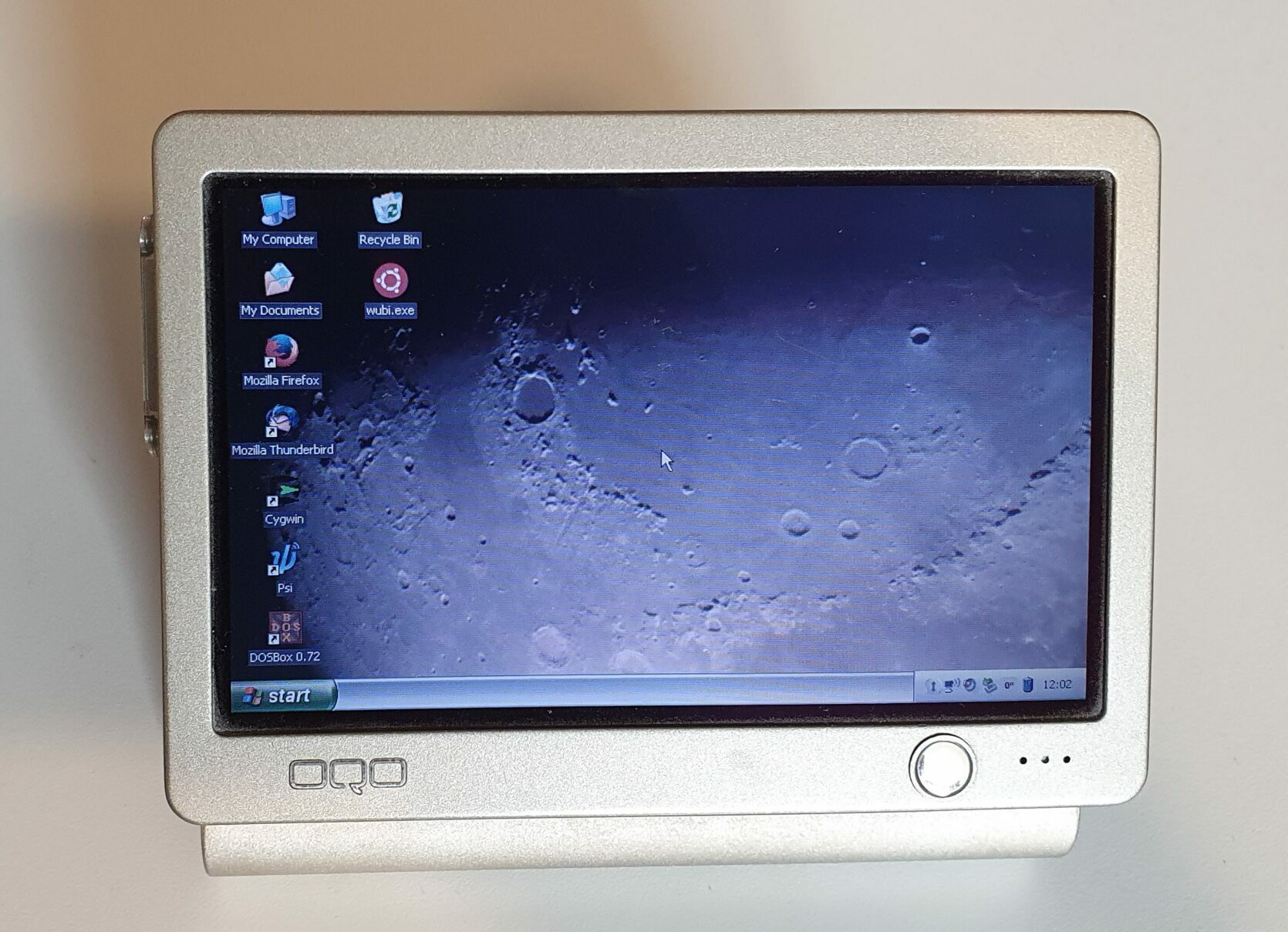
OQO Model 01+
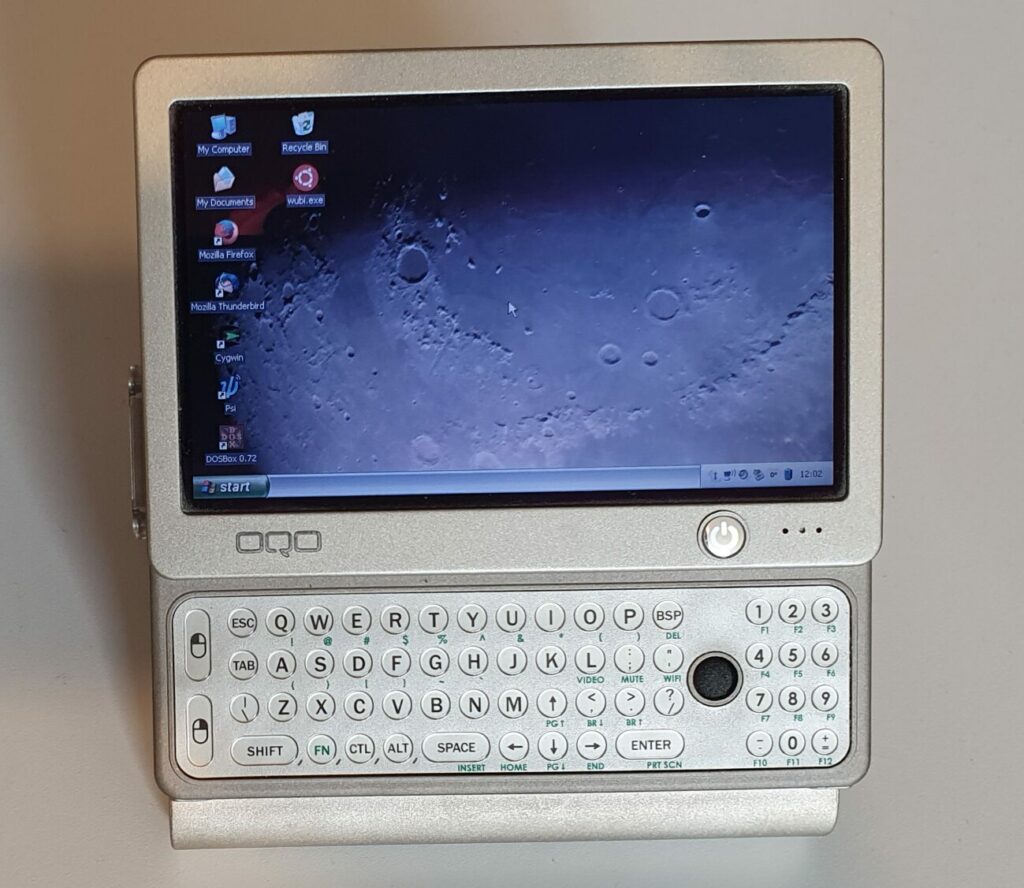
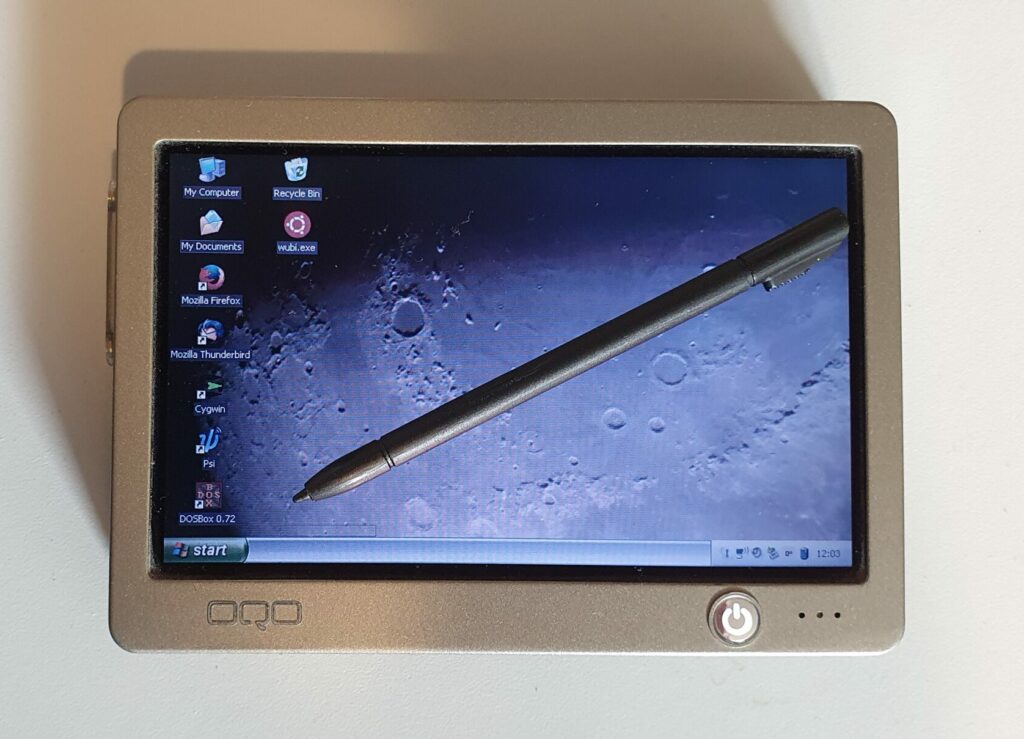
One of the smallest fully-fledged Windows PC’s I own has to be the OQO Model 01+. At only 12.5 cm wide, 8.8 cm tall and 2.3 cm deep that’s small for a Windows XP device!
The company managed to made 5 different models: 01, 01+, 02, e2 and 2+ (although that never shipped). The Model 01+ is from September 2005 and the company filed for bankruptcy only four years later.
The release price was a whopping £1,800 but it had dropped to a less than a fifth of that when I bought mine in 2008.
Hardware
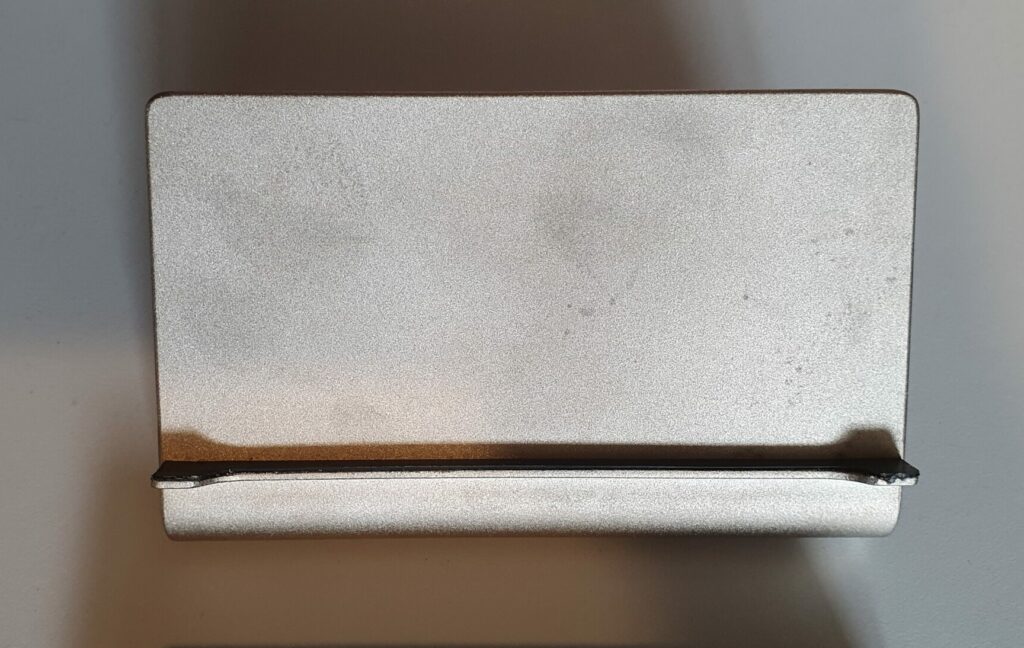
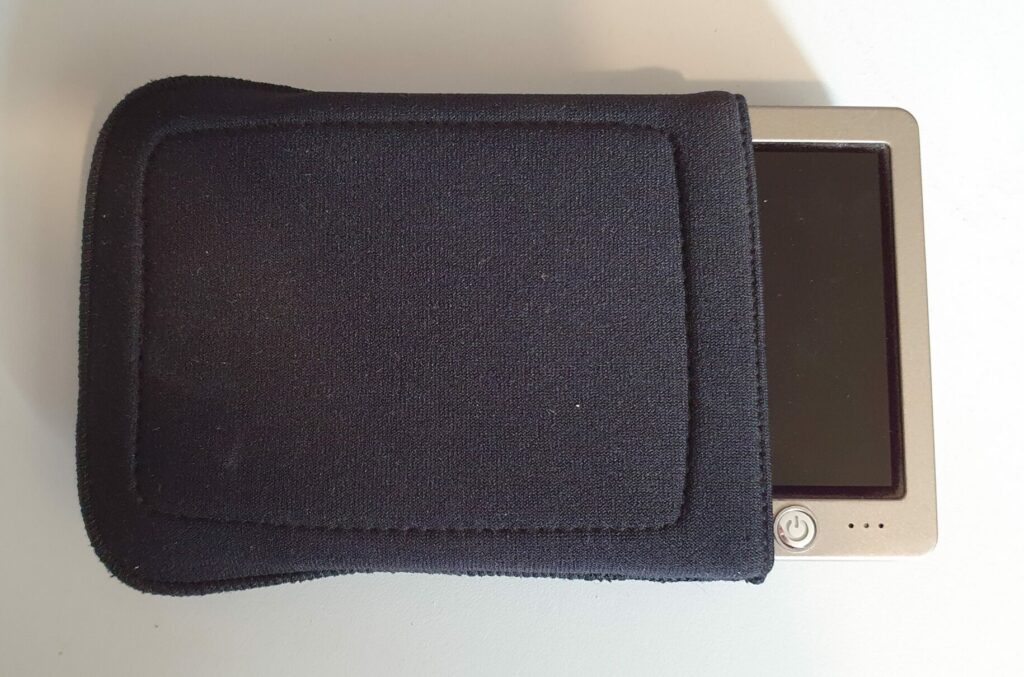
The OQO Model 01+ was solidly made with an all metal body. It came with a magnesium stand and a nice slip case. It wasn’t meant to be a cheap computer.
The CPU wasn’t the fastest for the time, being a Transmeta Crusoe TM5800 running at 1GHz. It was power efficient though, which was rather important for a portable device with limited space for a battery. The Model 01+ even came with a 30GB spinning hard disk. With that packed into such a small package, when you wanted to perform something like Windows updates it could get very hot and loud!
The screen of the device was a nice transflective 24bit colour 5″ LCD at 800×480 pixels with reasonable viewing angles in most directions.
It took pen input from a Wacom pen (that looks remarkably like a plastic stylus) and also has a joystick-type nub on the keyboard.
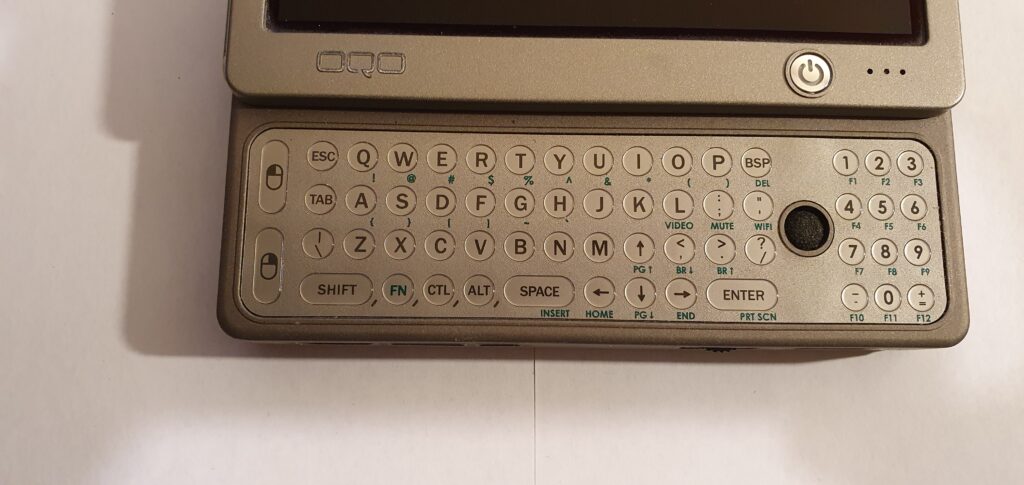
The keyboard itself is revealed when the screen is slid upwards. It’s a tiny thing with included joystick mouse (with left and right mouse buttons) and a numeric keypad. The feel of the buttons isn’t bad considering its size. They have a tactile (and audible) click to them and a slightly raised feel making them easy to locate by touch.
On the front there is a fourth input device: a thumbwheel. This is similar to what you find on a modern mouse, or on some Sony/Ericsson devices of the era. It has a clicky rotation to select and can be pressed in to confirm.
On the front there is also a USB 2.0 port, odd proprietary power port and connectors for the docking cable.
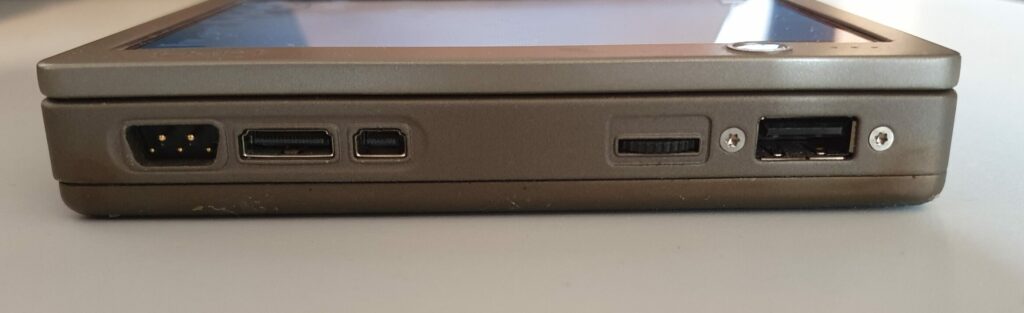
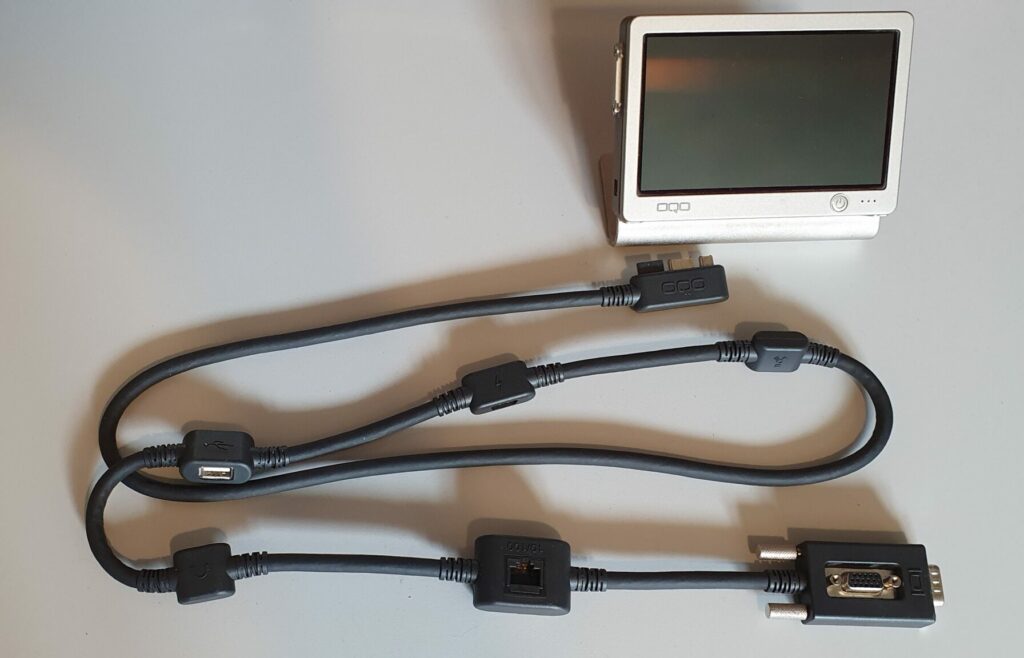
The docking cable is one of the oddities of the OQO. It’s not a bad idea, just an unusual one. The cable connects to the 01+ by 3 ports on the front right (including the power port). On the cable there are nodules spaced at intervals. Each has a separate function: Firewire, power (a copy of the odd connector on the device), USB, sound output, 100baseT ethernet and SVGA. There are both input and output SVGA connectors so that it can be left in place and another computer can be connected into it. This is not to record the other computer but to provide a pass-through when the Model 01+ is not connected.
On the right hand side is a sound output jack and battery eject button. On the left is the firewire connector. On both sides are also odd looking Bluetooth/WiFi antennae. This is necessary since the case is of metal construction which would block any radio signals to/from internal antennae.
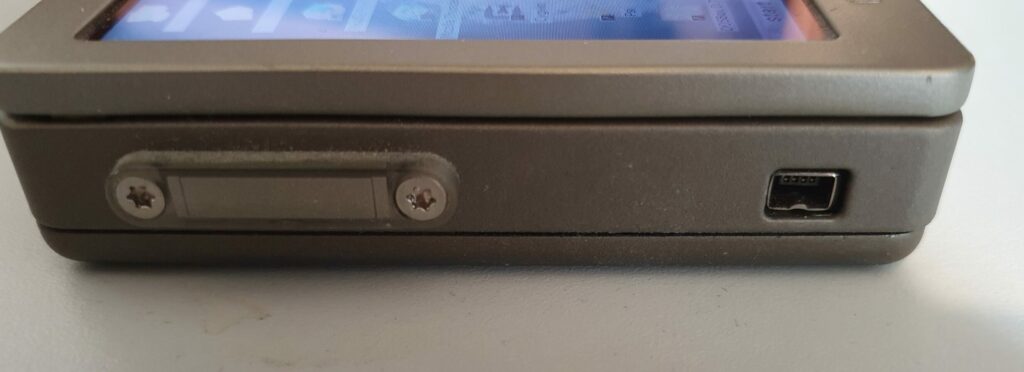
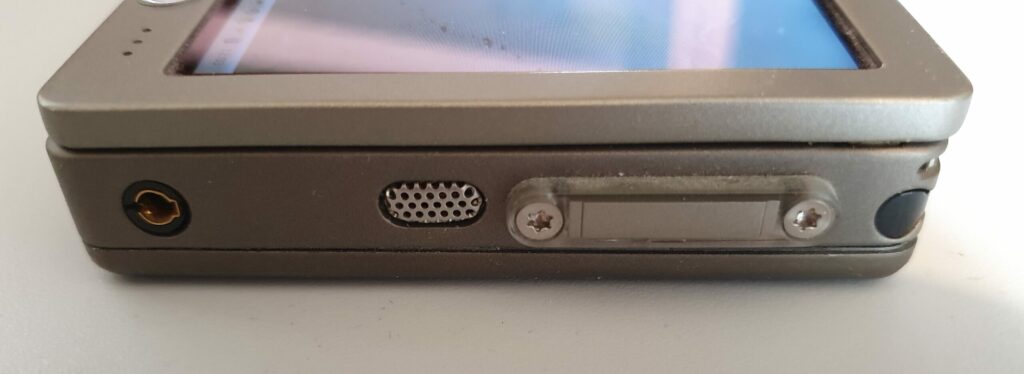
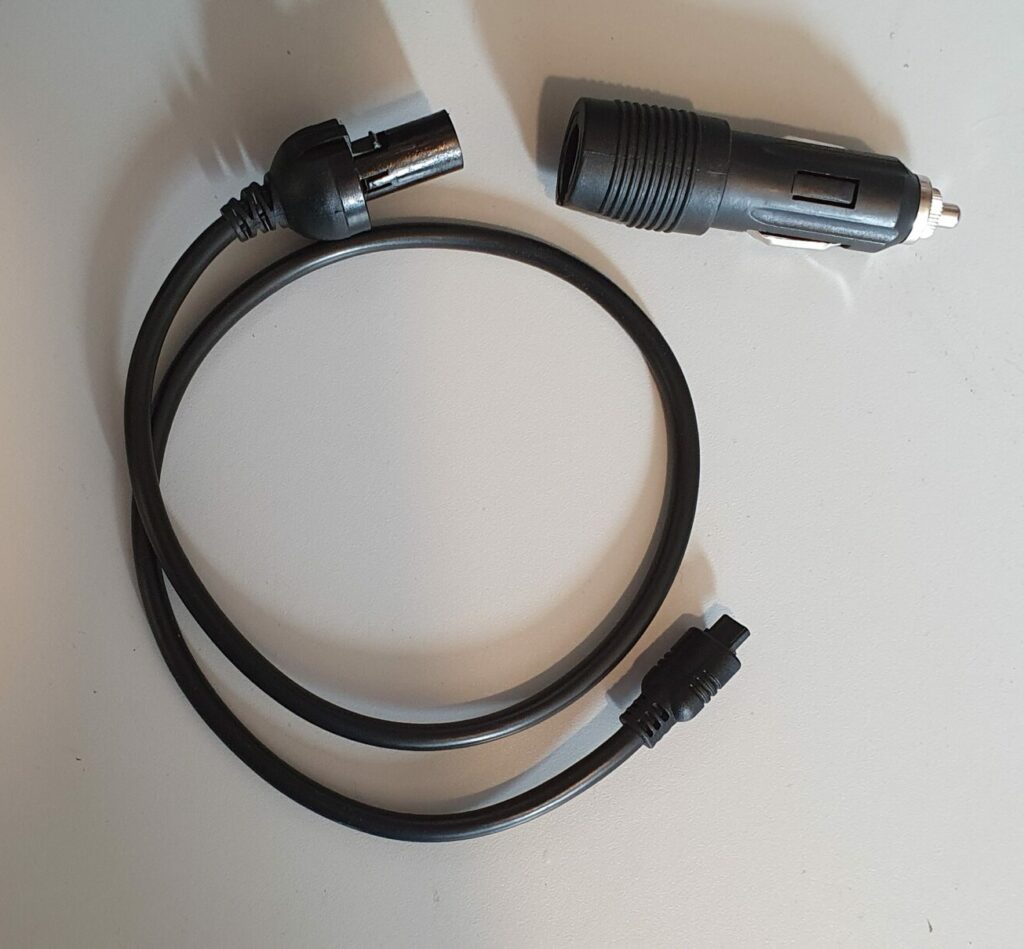
The power supply of the OQO Model 01+ has a very odd connector but is a conventional looking power brick. The brick connects to the mains using a standard figure-of-eight power cable. It also has a 12V input. This can be connected to the ‘lighter’ socket on a car or some type of ‘plane connector which I’ve never come across.
Summary
- CPU: Transmeta Crusoe TM5800 running at 1 GHz.
- GPU: Silicon Motion Lynx3DM+.
- Hard Drive: 30GB, 1.8″ spinning disk.
- RAM: 512MB DDR.
- Display: 5″ transflective 24bit colour LCD at 800×480 pixels.
- Keyboard: 57 key qwerty with numeric keypad.
- Joystick mouse.
- Thumbwheel.
- Wacom touch screen.
- 1 USB 2.0 port.
- 802.11b Wifi.
- Bluetooth 1.1.
- FireWire (IEE 1394).
- Audio out.
- 4,000 mAh removable lithium polymer battery with power gauge.
- Docking cable.
- 100BaseT ethernet (via docking cable).
- VGA out, up to 1280×1024 (via docking cable).
Software
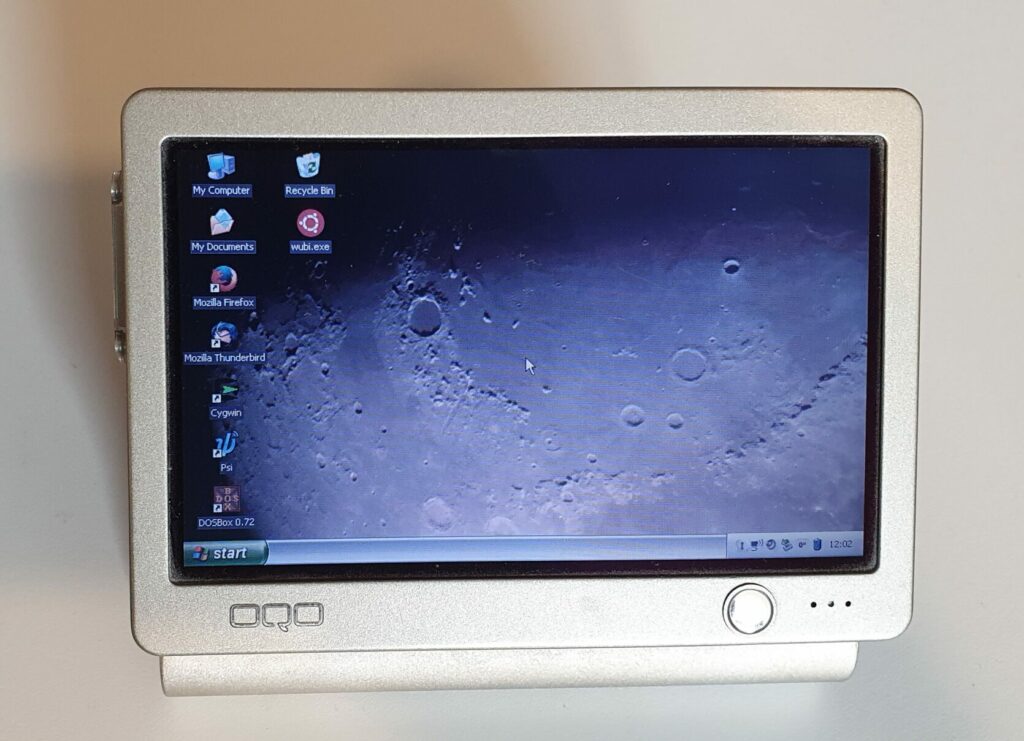
The OQO Model 01+ runs Windows XP Home Edition, Professional or Tablet Edition. The version I have has Home Edition.
On top of Windows there are drivers for the Wacom screen and thumbwheel.
The thumbwheel action can be defined in the OQO Settings app which sticks itself in the icon tray. It can be enabled for volume, vertical or horizontal scroll, application launching or switching.
The Model 01+ also has an app installed to the icon tray for switching the screen orientation to any of the four possibilities.
Summary
- OS: Windows XP Home Edition (Pro was available).
- Thumbwheel controls.
- Screen rotation.
- Wacom touchscreen driver.
Repairs etc.
I bought this OQO Model 01+ new from Expansys back in August 2008. It went to Canada with me and came back in one piece.
The power supply has a known problem where it will stop working on mains supply. However, it has a 12V input for ‘planes and cars, which carries on working, so I suspect an internal fuse has blown in the mains part of the supply. It works fine from a 12V supply though (an additional power brick currently supplies it).
Summary
The OQO Model 01+ is arguably the smallest Windows XP computer. It can be used standalone, but it’s so small my ageing eyes can barely read the screen any more. I’d recommend plugging it into a monitor or getting better glasses.
The keyboard works well for its size and the joystick mouse too, as long as you don’t leave your finger on it when not in use. Doing that causes the automatic centring to drift. Just let your finger off for a few seconds and it corrects itself though. On mine, the Wacom pen isn’t great – that might be my device – I prefer to use the joystick mouse.
The CPU is a little on the slow side (but not unbearably so) and the RAM is just about enough for normal tasks.
All in all, it’s OK for what it is, but do you really need a computer that small?
To-Do
- Repair power supply.