
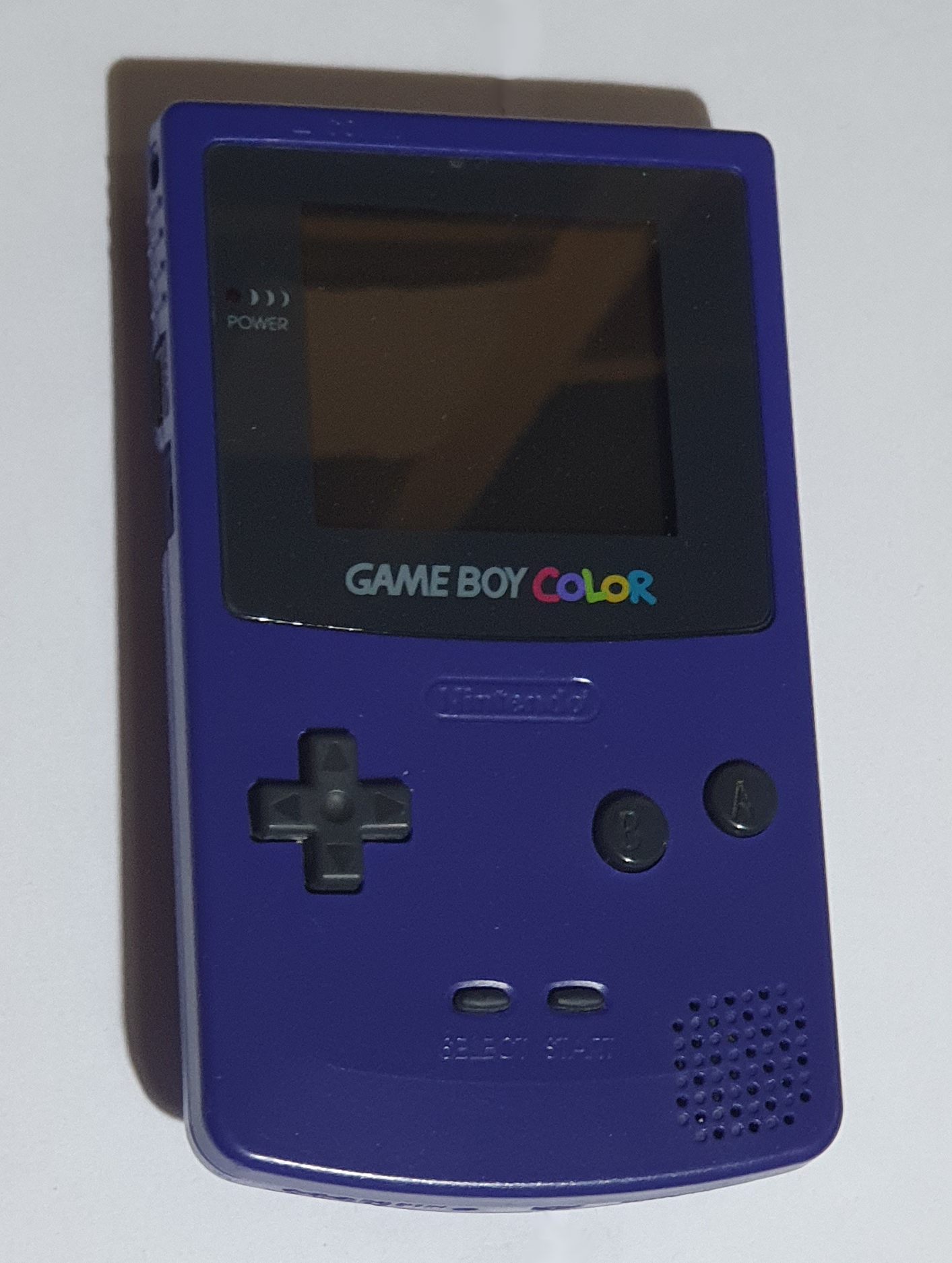
Nintendo Game Boy Color
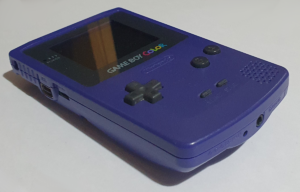
The Game Boy took the world by storm (don’t you just hate that phrase) so Nintendo made a smaller version – the Game Boy Pocket – and then in 1998 a colour version. As with (almost) all future Game Boy’s the Color can play original Game Boy games.
Hardware
The Game Boy Color was the next evolution of the Game Boy concept. There was a cut-size version known as the Game Boy Pocket which played the same games, which came before it, but the Color doubled the CPU speed and added colour. I don’t have a Pocket, so I’ll make comparisons with the original instead.
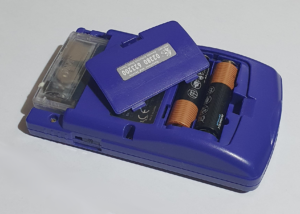
Power consumption is much better on the Color, despite the colour screen and the faster CPU. You can power it with 2 AA batteries (rather that the 4 of the original) or plug in a 3V, center positive adapter into the jack on the bottom.
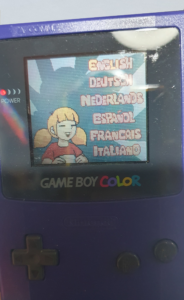
The screen on the Game Boy Color is unlit. That is, it gets it’s light from reflections though the LCD pixels. This does mean that you need to be in a well-lit room or have light behind you. As you can see in the picture, you can get quite a reasonable image in good conditions. In a dimly lit room you wont be able to see a thing.
There is an accessory available which is basically a lamp on a fairly rigid coily wire which plugs into the EXT port on the side and gives some illumination. I haven’t got one so I can’t comment on how good it is.
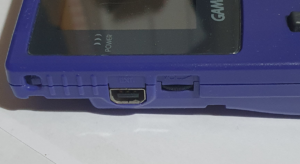
The right hand side just has the power switch, whereas on the left we have the volume control and the link port (marked EXT) – which is smaller. Unlike the original Game Boy there is no contrast control.
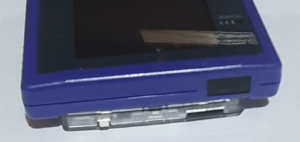
Another addition to the hardware of the Color is the infrared port on the top. According to the Internet, you can’t use it for multiplayer games, but it can instead be used for transmitting data like high scores, collectable in-game objects, and unlocking features.
Summary
- Power: 2xAA batteries or 3V DC jack
- Processor: Sharp SM83 (Intel 8080 / Zilog Z80 hybrid) @ 4.2 MHz / 8.4 MHz
- Memory: 32K RAM, 16K Video RAM, 2K boot ROM
- Display: Reflective 160×144 pixel, 15bit colour, 2.3″ LCD, no back or front light
- D-pad plus A, B, select and start buttons
- Stereo 3.5mm headphone jack and mono speaker (with volume control)
- Game link connector (EXT port)
- Infrared (9.5kbit/sec)
Games
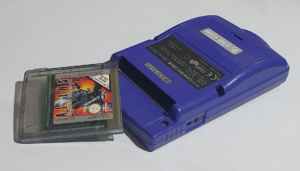
All of the Game Boy consoles took games in the form of cartridges. Those for the Game Boy and the Color were similar. The only difference being that the original cartridges had a notch cut out of the top right corner. When the original console is switched on, a plastic flap pushes into this cut-out. This means that Color cartridges inserted into an older console could not be physically switched on.
There are Color compatible games, though. These will play in colour on the GBC but will also play in grayscale on one of the previous models. Game Boy Advance games will not work on the Color though, that being a newer console with a completely different processor.
When playing older, greyscale, games on the Color, colour is artificially introduced. The Color console will map the shades of grey onto various colours. There are a number of these palettes that it will use for known games, and for others it will use a default. You can change how it does this mapping by holding combinations of keys on powering up the console.