
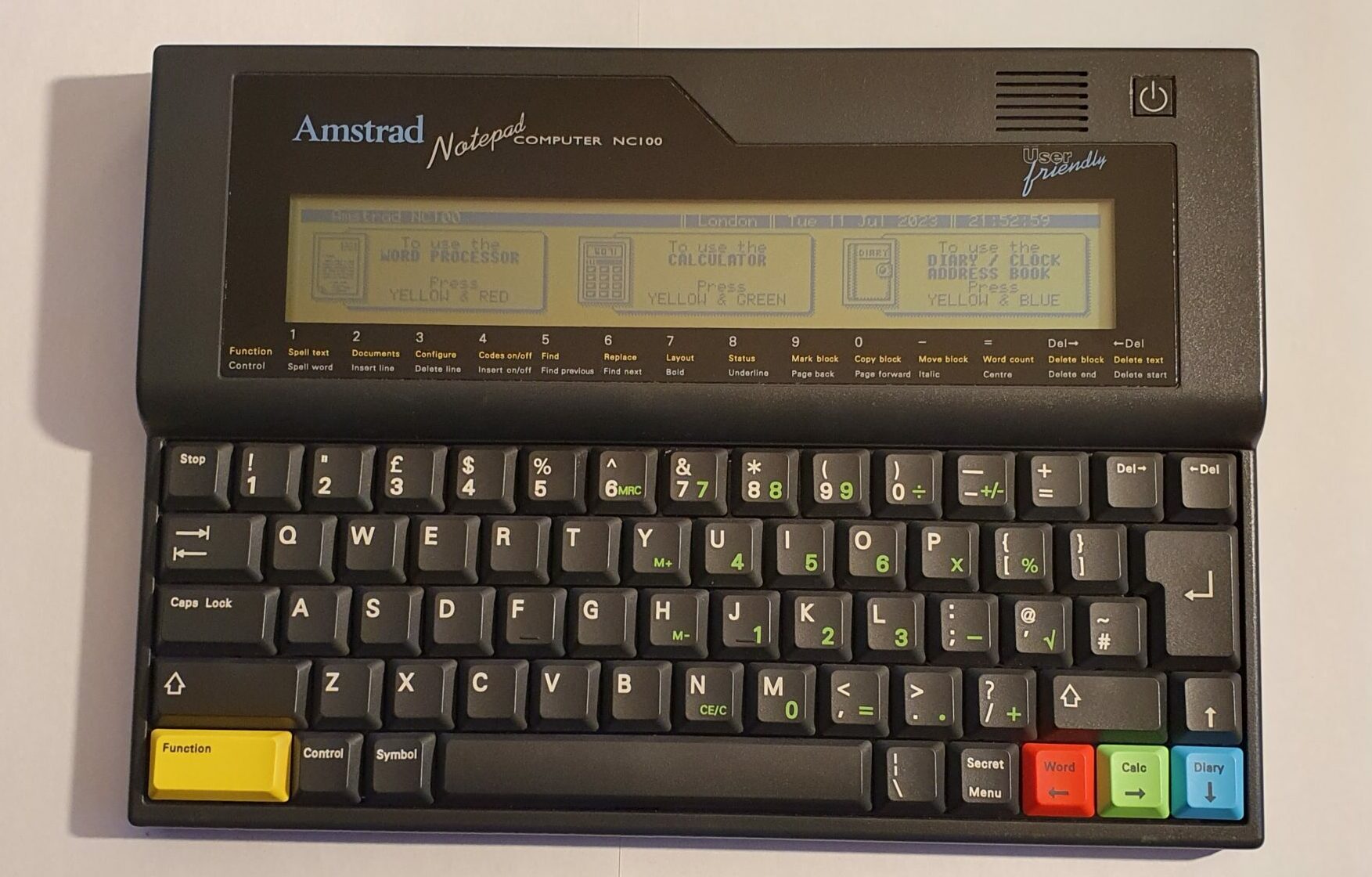
Amstrad Notepad NC100
In 1992, laptops were not really a thing, even if you could afford such a thing. Windows 3.1 was released the same year and DOS was still the Operating System of choice thus User Friendly was not really a thing either. Alan Sugar though differently. User Friendly is a tag line he used on a small range of computers, the NC100 being one of them. Price was important too, as for the rest of Amstrad products.
Amstrad (standing for Alan Michael Sugar TRADing) is a brand name with a varied track record. Amstrad Hi-Fi equipment was build to a price point – a low one. Often it looked like it had all the features, but when it came down to it the features were often half-baked, didn’t work and the equipment just sounded awful. On the other hand there were devices like the CPC line of computers. They were reputedly good machines (for the time). The NC100 and the NC200 (it’s bigger brother) were also of this ilk.
The form factor might seem rather odd through modern eyes, but it’s one a few notebooks took – the Cambridge Z88 (by Sir Clive Sinclair of ZX Spectrum fame) is another. Epson and Tandy both produced machines like it, too. The devices are all about A4 size, have a full size keyboard and a short, wide display.
Hardware
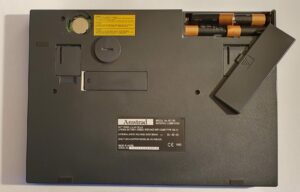
The NC100, like many portable computers at the time (such as the Psion organisers, Windows CE 1 and 2 devices from many manufacturers) runs on AA batteries. In this case four of them. It reputedly lasts 20 hours on them too. Like many other contemporaries it also has entirely volatile memory (Flash memory was expensive and very few devices used it), in almost all cases a Lithium CR2032 was employed to keep the memory alive should the main batteries die or need to be changed.
Software on the NC100 was contained in a 256K ROM, under a small hatch on the bottom. I don’t think a upgrade (or replacement) was ever released.
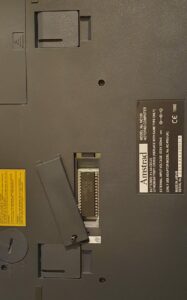
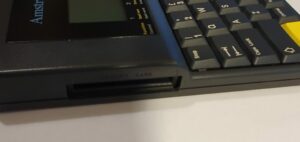
Running programs and file storage were all done in just 64K of RAM. An additional 1MB of storage could be inserted on a PCMCIA card, but compatible RAM cards are hard to find these days, so I haven’t been able to try this.
Input and output were through the ubiquitous (at the time) RS-232 port. A standard (again for the time) centronics parallel port is also available for connecting to a printer.

The display on the NC100 is 480 pixels wide by 64 pixels tall (equating to 80 columns by 8 rows). This is wide and tall enough for any of the build-in functions. It’s monochrome blue rather than black and has no shades of blue (pixels are just on or off), and it’s not backlit. Despite that, it’s not terrible, but neither is it great.
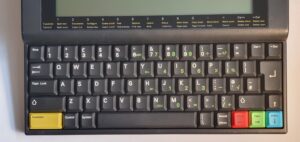
The keyboard is full size and nice enough to type on. The layout is pretty ordinary except for a couple of oddities (compared to modern full-size keyboads).
Firstly, escape has been replaced by Stop – it does what you’d expect Escape to do. Then there’s two delete keys – normally these would be called Delete and Backspace. Finally, there’s the slightly odd layout of the arrow keys, along with the brightly coloured Function and menu keys. They’re used for switching apps – more about that in the Software section below.
That arrow key arrangement catches me out all the time after more than 30 years of using the inverted-T PC layout.
Summary
- Processor: Z80.
- Screen: 480×64 pixel monochrome LCD, no backlight.
- Full size qwerty keyboard.
- RAM: 64KiB
- ROM: 128KiB
- Batteries: 4xAA plus 1xCR2032 for memory backup.
- External power by 6V barrel jack (centre negative!).
- PCMCIA slot for up to 1MiB expansion.
- RS-232 serial port (9600 baud).
- Centronics printer port.
Software
The Amstrad notepad NC100 has the badge User Friendly and it is. When first switched on with a new set of batteries it asks you to set the time and date.
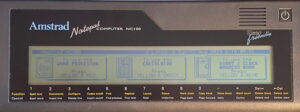
After that (and at subsequent powering up) it drops you into the top level menu. Application selection menus on the NC100 only have three items, each with a big chunky icon.
To use the top level menu, as it tells you, you hold the yellow Function key and press one of the red/green/blue keys. Lower menu levels don’t require the yellow key.

At any point, anywhere in the system you can press the Function and red/green/blue to perform the same action as you would from the top level menu.
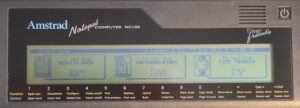
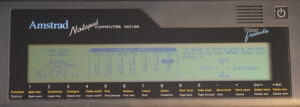
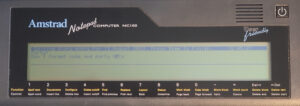
There are the usual PDA-type applications under Diary: Address book, Calendar/Diary and Time Manager (which allows alarms to be set).
The Calendar/Diary is more like the latter: you can add notes for a specific day. There are no repeating appointments or even times (only dates). It will flag an entry for the current day with an alarm, every time you switch the NC100 on – you have no choice in this.
Compared to most PDA’s this is very basic.
The Address Book isn’t an advanced one either. The only available fields are Name, Address, Telephone and Fax. At least there’s a Find facility, which is lacking for the Diary.
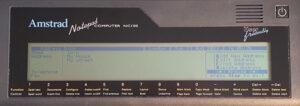
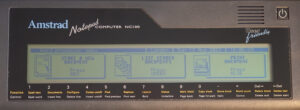
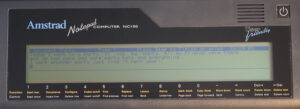
The Word top level menu entry gives the options to create a new document, list stored documents and print a document.
The word processor itself has an odd user interface, but there is a cheat-sheet printed just below the screen (or you can press the Menu key). In order, for example, to underline some text, you press Control-8 at the start and again at the end of the region.
Apart from the Calculator there’s not much else in the menus. However, the Function key can be used in combination with the letter keys. Two extra features are available this way: Function-B gives you BBC BASIC and Function-S gives you a serial terminal.
BBC BASIC is version 3.10 specially ported to the Z80-based NC100, obviously it’s based on the language developed for Acorn’s BBC Micro. There are differences between the versions, of course, being different hardware, but most of the language is the same.
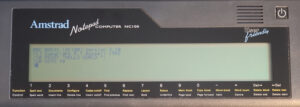
The serial terminal program is quite basic (as you’d expect by now) but works well enough. Unfortunately, it’s only as fast as 9600 baud. It’s arguably the most useful feature of the NC100.
Summary
- OS: Proprietary.
- Word Processor: Macros, Mail merge, Spell-checker.
- Diary.
- Address Book.
- Time with six alarms.
- BBC BASIC.
- Serial Terminal.
Repairs etc.
When I got my NC100 it wasn’t functional at all. It was in good outward appearance and came with a vinyl slip case.
According to more than one YouTube video, there is a fuse right by the input voltages (after the battery and external power jack). It’s a black surface mounted device which you might easily mistake for some other component. This was the only damaged component. Everything else works just fine.
Summary
This is one of Alan Sugar’s better creations. Alan even wrote the first chapter of the manual too. It was also less than a tenth of the price of a full-fledged DOS laptop at the time it was released.
The keyboard is pretty decent and the display isn’t terrible. The User Friendly badge is well deserved; you can really use the device with almost no computer knowledge at all. Unfortunately, there are little to no advanced features and the software is pretty basic. Having BBC BASIC makes the NC100 more interesting and having a serial terminal built-in I think is a very useful feature.
In summary, the NC100 was, just like all Amstrad devices, made to a price point. That price point wasn’t terrible, although more of it could have been spent on features.